
Deposit Methods for Pribet in Australia
Pribet deposit options for players in Australia include Skrill, Neteller, EcoPayz, MuchBetter, Mifinity, Visa, Mastercard, Rapid Transfer and select cryptocurrencies, with the exact list shown in your cashier. Balances are held in Australian dollars where the payment provider settles in AUD. Limits and any provider fees appear before you confirm a transaction, since they vary by method and account region. New players can opt into a welcome package before their first deposit, with the exact terms published alongside the offer.

Pribet First Deposit Bonus
Pribet’s welcome package for new players in Australia pairs a casino bonus of up to 2,420 AUD and 150 free spins with a separate 100% sports bonus up to 320 AUD, so you choose the casino or sports version depending on how you plan to play. You opt into your chosen offer before making a deposit, since Pribet cannot attach a bonus once the transaction is already processed. The qualifying deposit, rollover multiplier, minimum odds for sports selections and the time window to clear the bonus are set in the offer terms, along with any excluded games or markets, and these conditions can change between campaigns and vary by region.

Deposit Instructions at Pribet for Australia Users
This page explains how to deposit money in Pribet once your account is open and you’re logged in. You’ll need an active account and a payment method registered in your own name before starting a transaction. Follow the five steps below, all completed from inside your account.
The payment method you use has to be registered in your own name, since Pribet refuses payments made from someone else’s account.
Sign in to your account

Click the button below to open your account and log in with your username and password.
Open the cashier
Head to the deposit section from your account dashboard.
Choose your payment method
Pick from the options listed for your region, such as Skrill, Neteller, Visa or Mastercard.
Opt into a bonus
Select an active welcome offer or promotion before you confirm your deposit amount, since a bonus can’t be added once the payment is processed.
Confirm and transfer
Enter your amount and complete the payment; your limit and processing time for that method are shown in the cashier at this stage.
Pribet Deposit Methods, Time and Limits
Pribet deposit methods for Australia mix e-wallets, cards, bank transfer and cryptocurrency, each with a different profile for speed and withdrawal support. The table below breaks down what to expect from each option before you head to the cashier.
| Deposit Method | Type | Supports Withdrawals | What to know |
|---|---|---|---|
| Visa | Card | No | Card payments are widely accepted for funding your balance; payouts are usually sent through a different method. |
| Mastercard | Card | No | Works the same way as Visa for funding your balance. |
| Skrill | E-wallet | Yes | Moves funds between your bank and your balance without sharing card details with Pribet. |
| Neteller | E-wallet | Yes | Suited to players who already hold funds with the provider. |
| EcoPayz | E-wallet | Yes | Lets you fund your account from a linked bank account or card. |
| MuchBetter | E-wallet | Yes | Built around a mobile app, so deposits are confirmed from your phone. |
| Mifinity | E-wallet | Yes | A prepaid e-wallet option, useful if you don’t have a card accepted for online gambling transactions. |
| Rapid Transfer | Bank transfer | No | Links to your online banking login directly, without a card number. |
| Cryptocurrency | Crypto | Yes | Settled in the coin you select, such as Bitcoin or Tether, with your balance shown in AUD. |
Limits, fees and processing times depend on the method and your account region. The exact figures are shown in the cashier at the moment of your transaction.

Popular Deposit Methods
Players in Australia lean on a handful of payment methods to fund their Pribet balance, mixing convenience with control over their bank details. The options below cover casino and sports betting deposits, with a note where a method works for funding only.
- Skrill: an e-wallet that keeps your card and bank details away from the casino, crediting your balance without extra steps;
- Neteller: works like Skrill, drawing from a linked bank account or card without exposing those details to Pribet;
- MuchBetter: an e-wallet built around a mobile app, suited to players who deposit from a phone;
- Mifinity: a prepaid e-wallet option for players without a card accepted for online gambling transactions;
- Visa and Mastercard: familiar card options that fund your balance directly, though payouts are usually sent through a different method;
- Rapid Transfer: connects to your online banking login directly, with no card required, for deposits only;
- Cryptocurrency: settles in the coin you hold, such as Bitcoin or Tether, and posts to your account balance in AUD.
Possible Problems with Deposits
Most Pribet deposits post without issue, but a few situations come up often enough to cover here.
- Deposit not reflected in your balance: Check the transaction history in the cashier before assuming it failed; if the balance still doesn’t update, contact support with your transaction reference.
- Payment declined by your bank or provider: Some declines come from the issuing bank rather than Pribet, so check with your bank first, then try again or use a different method.
- Method not showing in the cashier: The list of options reflects what’s available for your account region, so a method available elsewhere might not appear for Australia.
- Payment sent from a card or account in another person’s name: Pribet refuses payments not registered to the account holder, and a mismatch between the payment method and your account name can delay both the deposit and any future payout.
- Bonus not applied to your deposit: A welcome offer or promotion has to be selected before you confirm the transaction, since it can’t be attached to a deposit that’s already been processed.
Safe Deposits and Spending Limits at Pribet
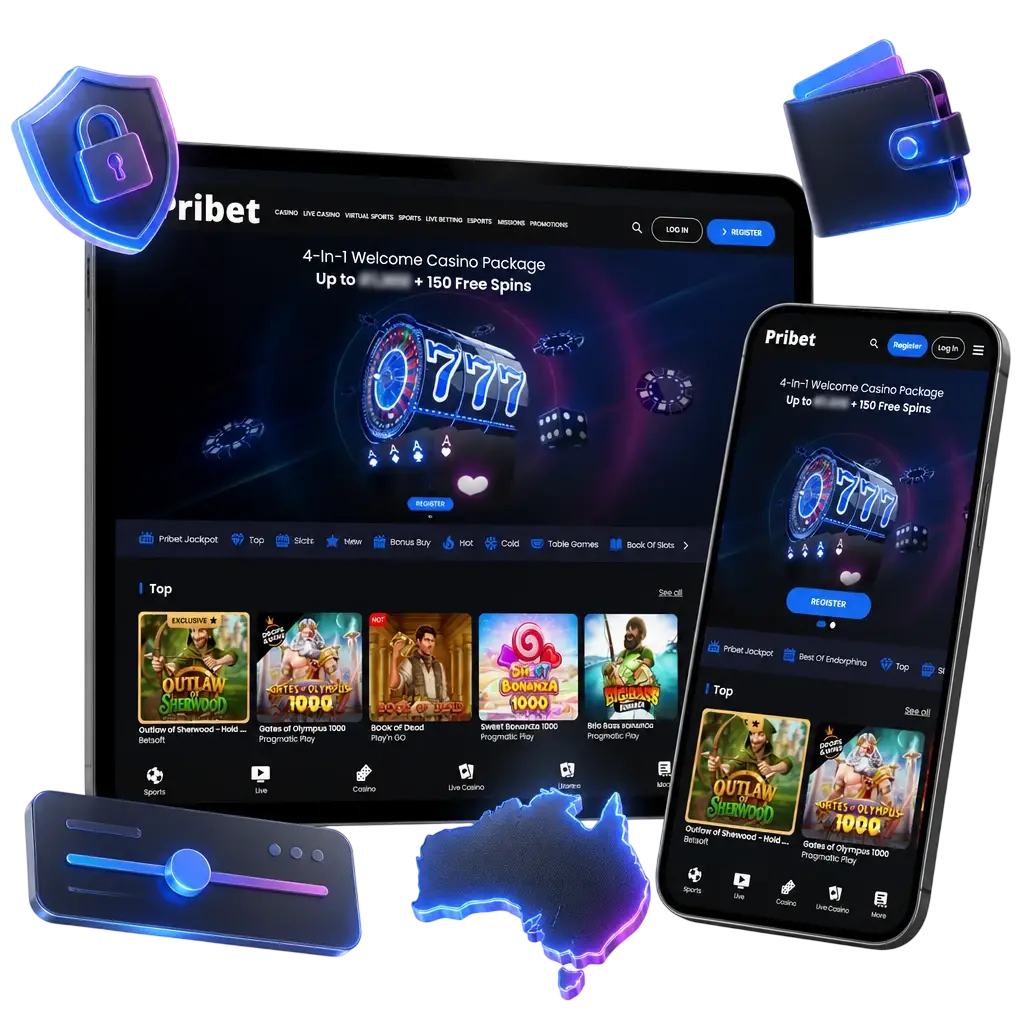
Every deposit you make on Pribet runs over an encrypted connection, and the cashier only opens from inside your logged-in account rather than from a link sent by message or email. Pribet support never asks for your full card number, a photo of your card, your password or a verification code sent to your phone, so a request for any of that isn’t coming from us. The payment method you use has to be registered in your own name, since payments from someone else’s account are refused and can hold up a payout further down the line. Your account settings hold deposit limits, session reminders, timeouts and self-exclusion tools, offered in line with what the licence covering your region requires. A limit set before you start playing is easier to stick to than a decision made in the middle of a session. Losses aren’t recovered by making another deposit.
Customer Support Contacts
If a deposit question comes up, Pribet’s support team is reachable through the channels below.
- Live chat: opened from the help or support icon inside your account.
- Email support: the current address for your region is listed in the help section of your account.
- Contact form: submitted directly from the help section for account or payment-specific questions.
Have your transaction reference from the cashier and your account details ready before you reach out, since this speeds up how support can look into a deposit.
FAQ
Where can I check the current limits and fees for a deposit method?
Your Pribet minimum deposit and any fees depend on the method you choose, and both are shown in the cashier before you confirm a transaction. Payment rules for each provider take precedence over any figure mentioned elsewhere.
Is cryptocurrency deposit supported for my account?
Cryptocurrency may appear as an option in your cashier, depending on your account region. Check the payment methods listed there to confirm it’s available to you.
Can a deposit be cancelled or reversed once it’s submitted?
A deposit that has already processed generally can’t be reversed from your side. Check the transaction status in the cashier before confirming payment, and contact support if you believe an error occurred.
Does Pribet charge a fee on deposits?
Fees depend on the payment provider you choose, and not every method carries a charge in every region. Check the cashier before you confirm a transaction to see if a fee applies to your payment method.
Do I need to complete verification before my first deposit?
Verification requirements can apply before or after your first deposit, depending on the payment method and your account region. Check what’s requested in your account before you fund it.
Updated: